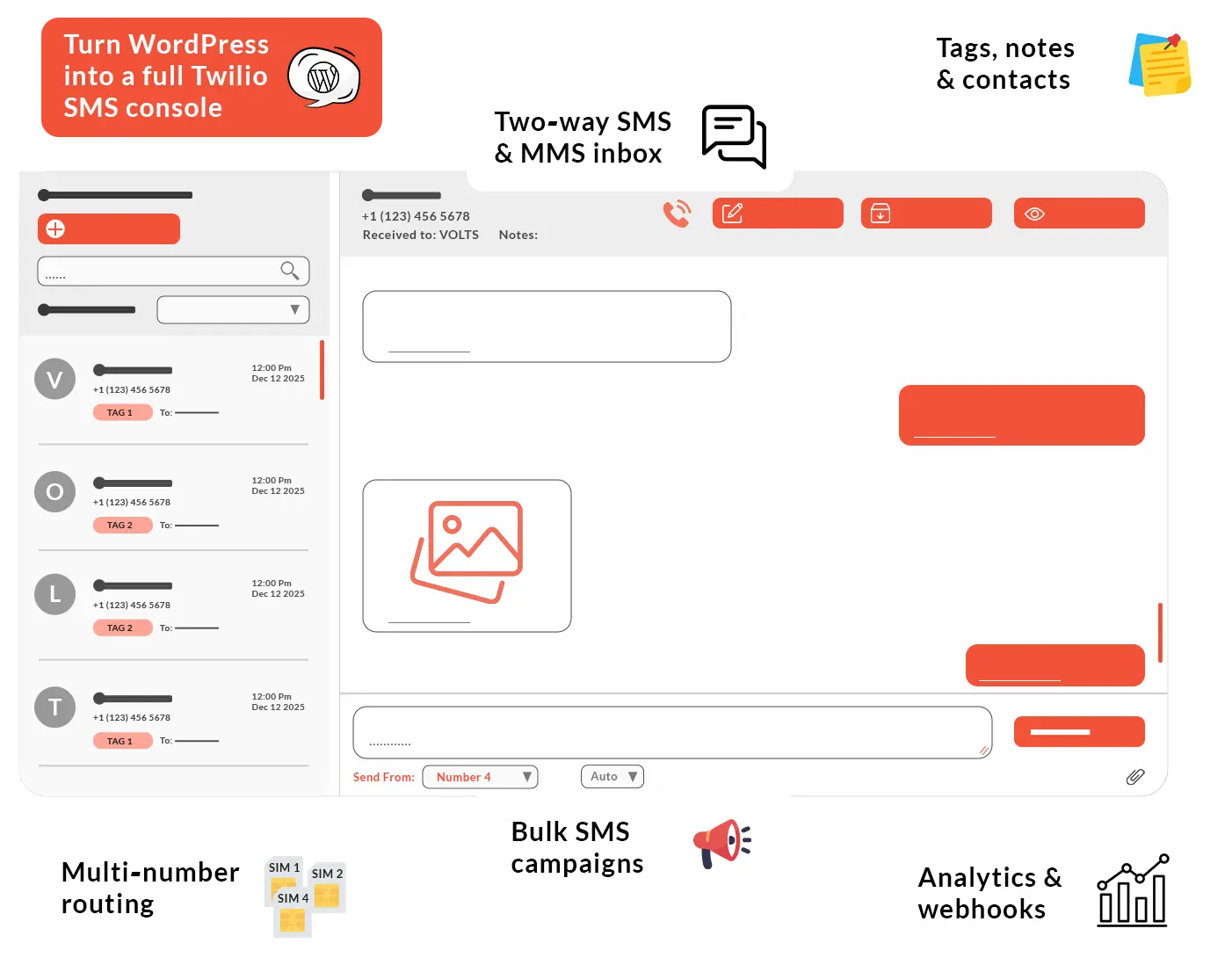
See every SMS in a threaded inbox with tags, notes, and unread indicators, so your team can reply as fast as they do in chat apps.
Campaigns and automation built‑in
Send bulk SMS, schedule drips, and plug in add‑ons like workflows and WooCommerce triggers as your needs grow.
Made for WordPress teams
Runs entirely inside wp‑admin with roles, multi‑number routing, and webhook hooks for CRMs, helpdesks, and AI bots.
Join 2,5K+ software businesses growing with Volts Consulting. Teams in detailing, healthcare, logistics and more trust Volts Consulting for messaging and automation.
Features
Everything you need to run SMS from WordPress
From a chat‑style inbox to campaigns, analytics, and integrations, Volts Connect bundles all the tools your team needs into one clean console inside wp‑admin.
Work from a real SMS inbox
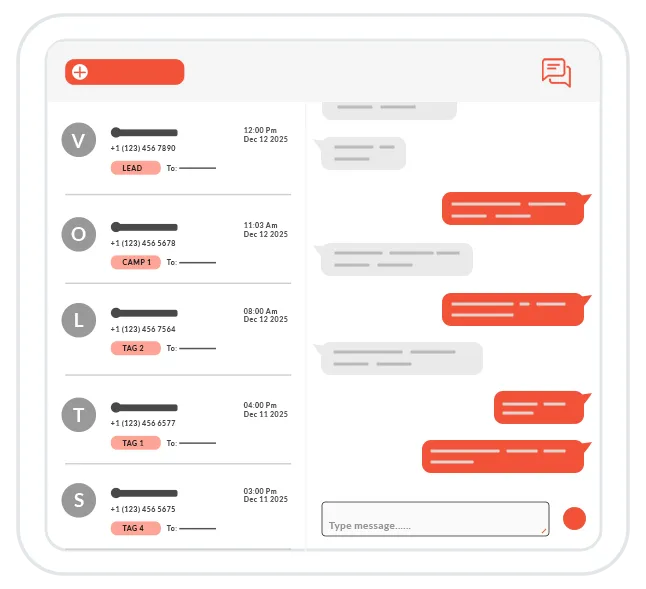
Handle every SMS and MMS from a single, threaded inbox that feels like a chat app. Your team always sees the full history before replying.
Threaded SMS/MMS with chat‑style bubbles
See the entire conversation history in one clean thread, just like a modern chat app.
Unread badges, archive, and quick search.
Spot new messages instantly, keep the inbox clean, and jump to any thread in seconds.
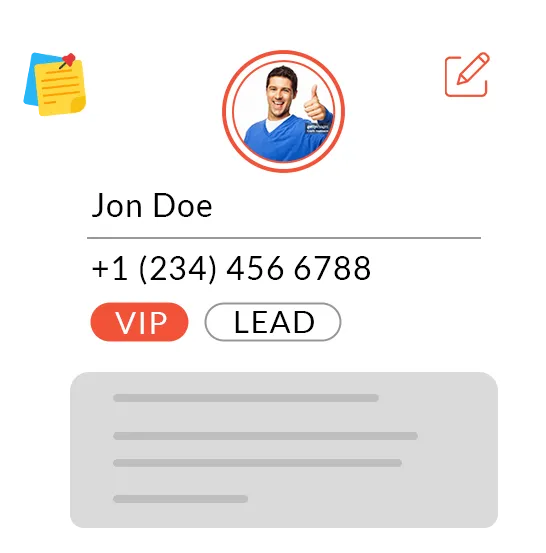
Turn phone numbers into rich profiles with tags, notes, and statuses so your replies are always in context.
Know who you’re texting
Contacts with tags, notes, and status.
Store VIPs, leads, and past customers with the details your team needs to follow up properly.
Edit details from inside the inbox.
Update names, numbers, tags, or notes without leaving the conversation you’re working on.
Broadcast the right message
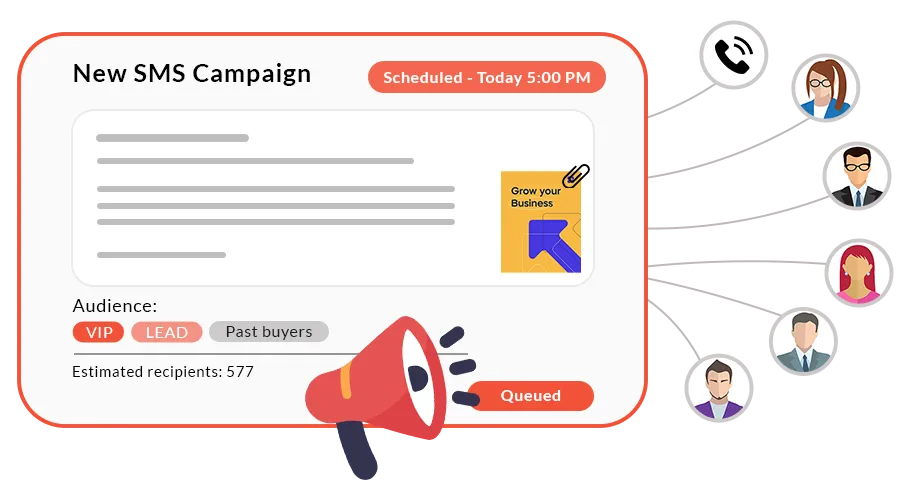
Send one message to many contacts.
Launch promotions, reminders, and alerts to segments based on tags or status in a few clicks.
Throttling and quiet hours built in.
Control send speed and avoid messaging customers at bad times automatically.
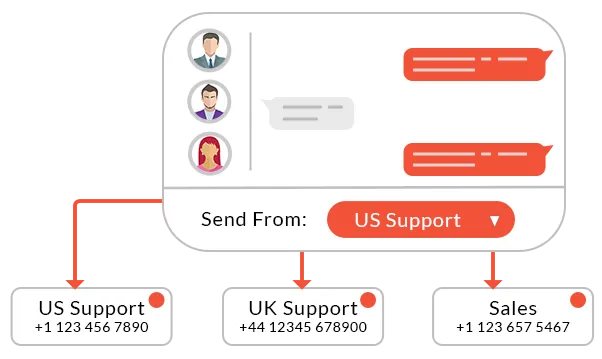
Manage multiple Twilio numbers for brands, regions, or clients from one place, and always reply from the right line.
Multiple numbers, one console
Label numbers by brand or region.
Name each line ‘US Support’, ‘UK Sales’, or per‑client so your team always knows who they’re speaking as.
Replies use the right number automatically.
When a customer texts a specific line, Volts Connect replies from that same number by default.
See the photos and media your customers send without leaving the inbox, and keep storage efficient behind the scenes.
See every picture and file
Inline previews for images and media.
View photos and attachments right in the thread so agents never have to open separate tabs.
Lightweight media storage via URLs.
Store Twilio or WordPress media links instead of heavy blobs to keep your database fast.
Know what’s working
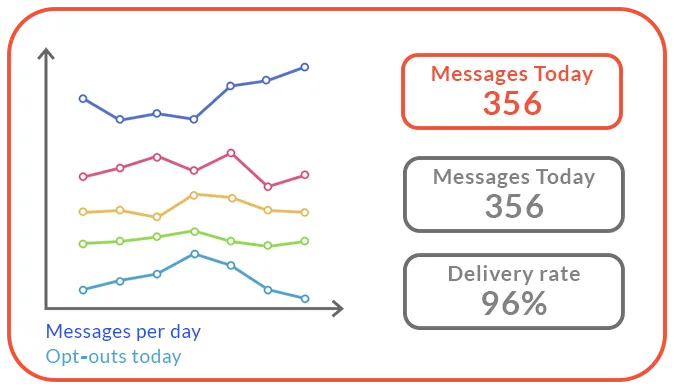
Understand how your SMS channel is performing with simple volume charts and engagement metrics, and unlock deeper reporting with add‑ons.
Track inbound and outbound volume.
See message trends by day, week, or month to understand how busy your lines really are.
Monitor delivery and response rates.
Quick ratios show how many messages land and how often people reply, so you can spot what’s working.
Plug SMS into your stack
Forward Twilio payloads to any URL.
Push full inbound and status data into CRMs, warehouses, or automation platforms with one webhook.
Connect CRMs, helpdesks, and bots.
Use webhooks and add‑ons to create tickets, log activities, or trigger AI flows whenever someone texts you.
Keep your CRM, helpdesk, data tools, and AI agents in sync by mirroring every SMS event out of Volts Connect.
Protect customer data and keep teams focused by controlling exactly who can see and use the SMS console.
Control who sees what
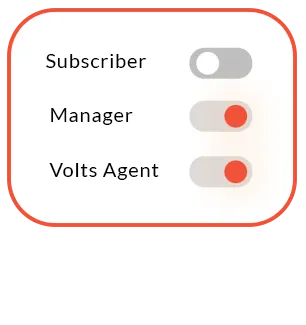
Limit SMS access by role.
Map Volts Connect permissions to specific WordPress roles so only authorized staff can read and send messages.
Focused consoles for staff.
Give support agents a ‘Volts Connect only’ workspace instead of a cluttered wp‑admin.
* Billed as $60 yearly (auto-renewal) Or purchase individual add‑ons as one‑time licenses if you only need specific features.
FAQ
Frequently asked questions
What do I need to use Volts Connect?
You need a WordPress site, a Twilio account with at least one SMS‑capable number, and HTTPS (SSL) enabled. Once you connect your Twilio credentials and webhook, you can send and receive messages directly from wp‑admin.
Does Volts Connect replace Twilio?
No. Twilio still handles delivery and carrier‑level routing; Volts Connect gives you a full inbox, campaigns, analytics, and automations on top of your existing Twilio account.
How are SMS costs billed?
All per‑message charges are billed by Twilio at their standard rates for the countries and numbers you use. Volts Connect never adds a per‑SMS fee on top.
Can I use Volts Connect for multiple brands or clients?
Yes. You can connect multiple Twilio numbers, label them by brand or region, and reply from the correct line per conversation. Add‑ons like Team Inbox and CRM connectors make this even stronger for agencies
Where do I buy the core plugin and add‑ons?
The core Volts Connect plugin is sold as a one‑time license on CodeCanyon. Optional add‑ons and bundles are available directly from VoltsConsulting.com.
Will Volts Connect slow down my site?
Messages and media URLs are stored in optimized tables, and the inbox uses AJAX for fast, app‑like navigation. For high volume, you can archive old threads and offload data via webhooks or exports.
Can multiple team members use the inbox?
Yes. You can map access to specific WordPress roles, give staff a ‘Volts Connect only’ console, and, with add‑ons, assign conversations and track who owns which thread.
What happens if Twilio is down or my webhook fails?
If Twilio has an outage, messages may be delayed until their service recovers. If your webhook fails, Twilio will retry deliveries according to their policy, and you can see errors in your Twilio logs.
Is there a roadmap for new features?
Yes. Upcoming releases include Automation & Workflows, WooCommerce SMS Pack, Drip Campaigns, Advanced Analytics, CRM/Helpdesk connectors, and the AI Assistant Pack. You can see the live roadmap on this page.
Can you help us implement Volts Connect?
Yes. Volts Consulting offers implementation and strategy help—from Twilio setup to workflow design and integrations—for teams that want a fully done‑for‑you SMS console.